My first talk: interactive CLIs with Bubble Tea
On 7 April 2026, at the Golang Lyon meetup, I presented Bubble Tea, Charm's Go library for building interactive terminal interfaces.
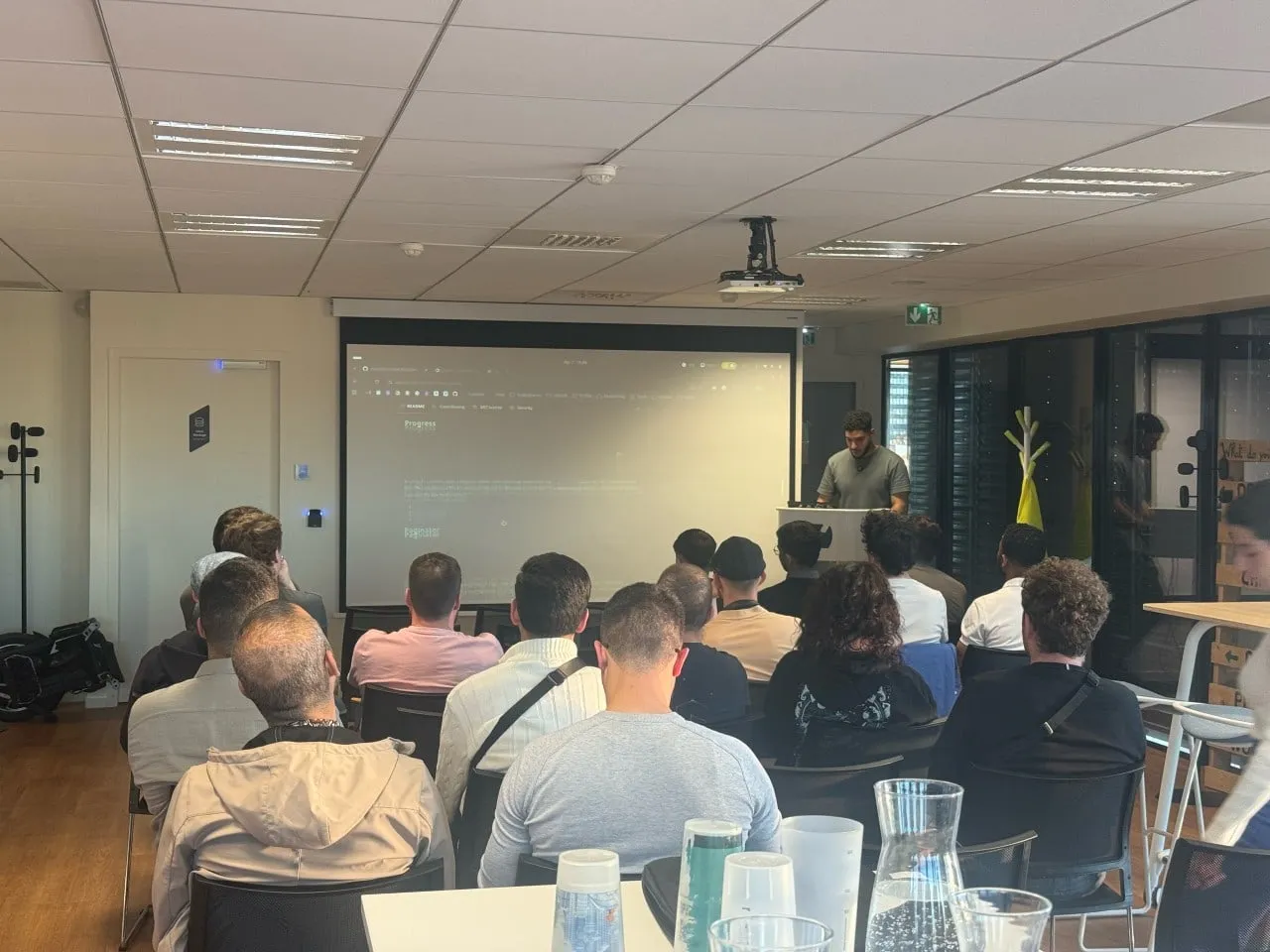
On 7 April 2026, I gave my first talk, at the 32nd edition of the Golang Lyon meetup, hosted at OVHcloud. The topic: Bubble Tea, or how to make your CLIs interactive in Go. Cafer Dingil completed the lineup with a talk on Kubernetes operators.
The slides and the demo code are on GitHub: mhd-sdk/bubble_tea.
What is Bubble Tea?
Bubble Tea is a Go library for building TUIs, interactive interfaces in the terminal. It handles keyboard and mouse input, and it composes well: an application is an assembly of small models. It is developed by Charm, an open source company that builds tools for the terminal.
Around it sits a whole ecosystem:
- Bubbles: ready-made components (text inputs, spinners, viewports).
- Lip Gloss: styling and layout.
- Glamour: Markdown rendering in the terminal.
- Harmonica: spring animations, for natural motion.
- From the community, BubbleZone to track the mouse by zone and ntcharts to draw charts.
Tools such as gum and chezmoi build on it.
The Elm architecture
Bubble Tea follows the architecture of the Elm language, also known as MVU (Model, View, Update):
- the Model holds the whole application state;
- the View turns that model into text to display, with no side effects;
- the Update receives an event and returns the new model.
If you have used useReducer or Redux with React, the principle is the same.
Three methods and two types
Every application implements the tea.Model interface:
type Model interface {
    Init() tea.Cmd
    Update(tea.Msg) (tea.Model, tea.Cmd)
    View() string
}
A tea.Msg is an empty interface: any Go type can become a message. Bubble Tea provides its own (tea.KeyMsg for the keyboard, tea.WindowSizeMsg for resizes, tea.MouseMsg for the mouse), and you define yours for your own events.
A tea.Cmd is a function that returns a message:
type Cmd func() MsgThe runtime runs it in a goroutine and sends its result back to Update. That is what keeps the interface responsive: Update runs on the main loop, and a blocking call there would freeze everything, no key would respond anymore. Network calls, database reads and long jobs therefore go through commands.
The demo
The demo is a list where you pick your favourite programming language. The choices load asynchronously, as if they came from an API (the demo’s interface is in French):
Quel est ton langage de programmation favori ?

> [x] Go
  [ ] Rust
  [ ] TypeScript
  [ ] Python
  [ ] C

q pour quitter • r pour rafraîchir
Init starts the loading with a command, which simulates a two-second external call:
func (m model) Init() tea.Cmd {
    return loadChoices()
}

func loadChoices() tea.Cmd {
    return func() tea.Msg {
        time.Sleep(2 * time.Second)
        return choicesLoadedMsg{[]string{"Go", "Rust", "TypeScript", "Python", "C"}}
    }
}
Update handles the loading result and the keys: arrows or j/k to move, space or enter to tick, r to reload, q to quit.
func (m model) Update(msg tea.Msg) (tea.Model, tea.Cmd) {
    switch msg := msg.(type) {
    case choicesLoadedMsg:
        m.loading = false
        m.choices = msg.choices
    case tea.KeyMsg:
        switch msg.String() {
        case "ctrl+c", "q":
            return m, tea.Quit
        case "r":
            m.loading = true
            return m, loadChoices()
        // moving and selecting...
        }
    }
    return m, nil
}
View simply builds a string from the model, and main starts everything with tea.NewProgram(initialModel()).Run(). Three methods are enough for a complete TUI.
To run it yourself:
git clone https://github.com/mhd-sdk/bubble_tea
cd bubble_tea/demo
go run .
Thanks to the Golang Lyon organisers and to OVHcloud for hosting us.